|
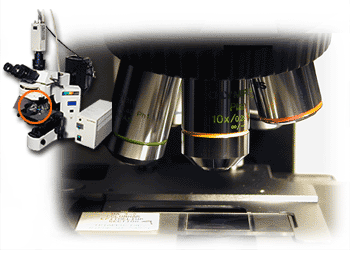
CHANGING THE MAGNIFICATION 1. Move the PLAN 4x objective (40x total magnification) into the light path to find the specimen on the slide. 2. Increase to the desired magnification by moving various objectives into the light path. 3. Focus specimen using coarse/fine adjustment knob. |
 |
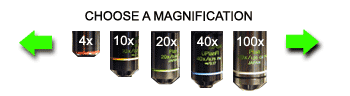 Note: Clicking on a magnification will change the view of the slide in the right window. |